Blog
-
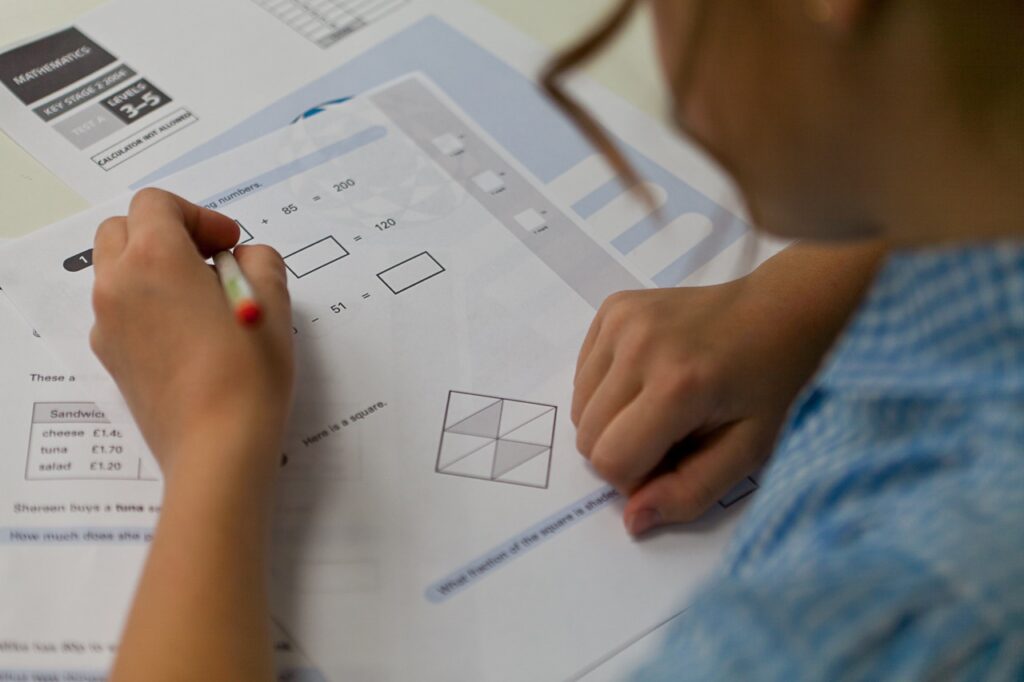
Maths Test For Kids
I created this free software as a learning resource for kids. It gives them the opportunity to practice multiplication, subtraction, & addition offline.
They can practice Addition starting at a very basic level. So if they have only just started out then they would begin at level 6. This means that neither of the 2 numbers that are to be added together will be higher than “3” Look at the levels below to see how many there are. My maths test for kids is 100% free so spread the word and download for free.
And here is a screen shot of what the addition test looks like. You can see that all tests are on a timer, once the timer expires you can now longer submit your answer. Be careful not to press the enter key to quickly.
See Also: Investing in NFT games in 2023
You can see how the maths test keeps score to show you how you are doing in the screenshot below. It will tell you how many you have got right and how many you have got wrong. This windows is also maximised so you can not be distracted by anything else going on.
If you score 20 correct answers you will see a message box come up telling you that level is complete. As soon as you press enter on that message box the next level will be shown.
Below you can see a screen shot of my maths test for all on a multiple choice addition level. This is quite self explanatory. The user is presented with an addition sum and 55 possible answers. It is possible the same answer will be in more than 1 box, this is Ok so long as you get the sum right.
The idea is to progress through all the levels at your own pace. There is no rush take your time and get them right. Speed will come with time.
If you can complete all addition levels on here you should consider your addition to be fairly good. You might want to try multiplication tests or the subtraction tests.
More to read: NFT Games Online
-
Multiple Choice Quiz
I learn VB.NET in my spare time this page will tell and show you about the quiz software I create. Below is the opening page for my free 52 question quiz I will show you some of it’ features. I will start with the users side of the interface, then we will venture into the Admin’s side of things for creating questions and so on.
Once you get past the front page you are taken to te login page. You now have a choice you can either login as an “Admin” or “User” If you are logging in as a user simply type the default uusername and password in. This information can be found in a text file which is inclided in the downloaded file. To login as an admin at this point just click on the button which says “Admin Login Here”
Just so you can follow me I would like you to login as a user. So type in the default username and password and press the button which says “Login” You will now see a message box come up which says ” Work hard have fun and believe in yourself, good luck” Just click “OK” to get rid of this message box.
See Also: Some need-to-know tips on NFT launchpad
Now you have logged in you will see your username the window in mine below it says “Welcome petre” You now have 4 choices.
1: “Click here to continue to the test”
I think this is self explanatory like most of these 4 buttons are. If you click on it you will be taken to the test screen.
2: “Logout”
Yes you got it if you click this button you will logout and be taken back to the login screen.
3: “Click here to maximise the screen”
This will make the screen size ‘full’ it will take up the height and width of your monitor.
4: “Admin Login”
Anyway for now I just want you to just click on the button which says “Click here to continue to the test” When you do you will be taken to the test screen.
More to read: Best Crypto Launchpad
-
Quiz Software 52 questions
Quiz software write your own questions
- Admin panel
- User login
- Admin login
- Admin can write 52 questions and 52 answers
- There is a timer
- User can see corect answers when test is finished
- User is scored at end of test
- Admin can search the protected database to see how much a user scored
- Admin can create, delete, update user passwords
There is an Admin panel which allows the Admin to view a candidates score. The Admin can also set a time limit which determines how long the test or quiz will take.
The administrator can also write the questions that a candidate will answer. You also have to write the answers for the quiz. This software will mark a candidates test and display the result to the candidate at the end of the exam. The result will then be placed in to the database where it will be stored until the admin chooses to delete it. This software will also show the user the correct answer once they have finished the test.
What the admin does need to remember is that the score is marked exactly. This means that the test answers are case sensative. So if you are writing an addition test ie
2 x 2 = 4 the candidate will need to write the answer 4 and not “four” another example would be if you write a question like:
Do we have a queen? and you say the answer is Yes, the candidate will also need to write “Yes” they can not write “yes” if they do they will get it wrong. From the admin panel you can also change the default admin password. You can also create other admin users.
The admin has got to enter a users details in to the database before they sit the test or quiz. So let’s say you have got a group or class of 30 people, you will need to create login’s for all 30 people before they can sit the quiz. You will also need to create passwords for all of those people. Once you have done that you restart the software and you are good to go, your users can sit the test or quiz which ever you prefer to call it.
If you want your company logo put on this quiz just email me I charge £25 you will need to supply the logo. The logo will replace the pchelp image on the quiz.
All my work is copyrighted anyone attempting to alter even the smallest detail will be commiting an offence and I will have them prosecuted.
The cost of this software is £25 GBP you can buy it using PayPal.
Before you buy this software try out the free version which has 27 questions. As once you have checked out your money is non refundable down to the nature of this software being downloaded.
So what do you get for £25 you get a quiz which allows you to write 52 questions and answers and you can have your company or personal logo put on the quiz.
My online version is coming out soon if you wish to be notified of this just drop me an email.
I will be creating a version which has more questions and answers for more detail either come back to this page or drop me an email asking to be kept informed.
Related: Multiple Choice Quiz